
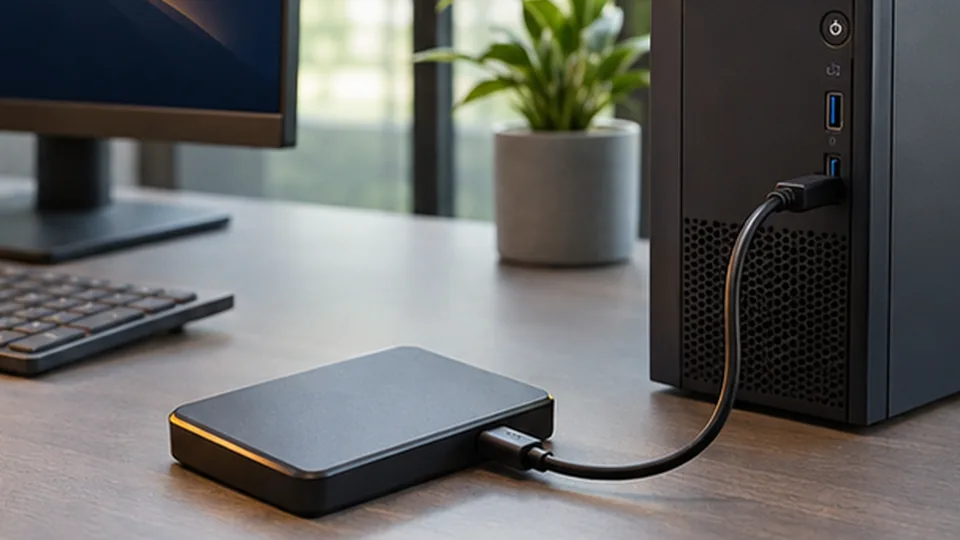
Choose a suitable backup
Keep another copy of important files on a separate storage device or a trusted cloud service. A backup is more useful when it runs regularly and is not stored only on the device it protects.
Check that recovery works
Periodically open a few backed-up files to confirm they are readable. Store recovery codes and account details securely, away from public or shared locations.
Take care when a device is failing
If the device is unstable, note which files matter most. Avoid repeated restarts or recovery experiments if a drive makes unusual noises or the data is irreplaceable.
This article provides general information, not a diagnosis. Recommendations depend on the device and the specific symptoms.
Discuss a device issue