
Screen and display
We check cracked screens, dim backlights, flickering and external display behaviour.

Assessment for MacBook display, battery, keyboard, charging and performance concerns.
Book a RepairTell us the MacBook model, if known, and describe what is happening: for example, a display fault, battery concern, keyboard issue, charging problem or change in performance. The assessment helps identify whether repair or another option is appropriate.
Display, keyboard, charging and battery concerns can present in different ways. A clear description of when the issue occurs helps guide the assessment before repair options are discussed.
These are some of the issues we assess. We discuss repair or upgrade options after reviewing the fault.
We check cracked screens, dim backlights, flickering and external display behaviour.

We assess battery life, charger recognition and charging-port symptoms.

Tell us which keys or gestures fail and whether the issue follows liquid exposure or an impact.

We investigate whether a startup or shutdown problem relates to power, storage or software.

We look at slow operation, available storage and options that suit your MacBook model.

We review update errors, repeated prompts and application problems in the context of recent changes.
We use the symptoms and equipment details to decide which checks are appropriate.
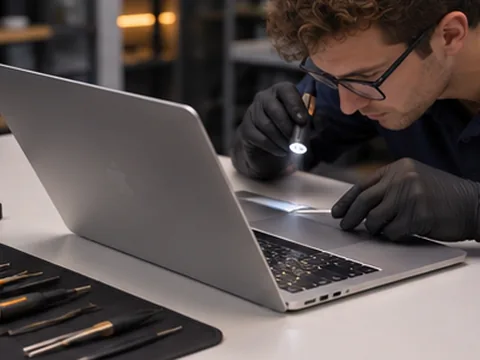
We explain the findings, proposed work and relevant parts or compatibility considerations.
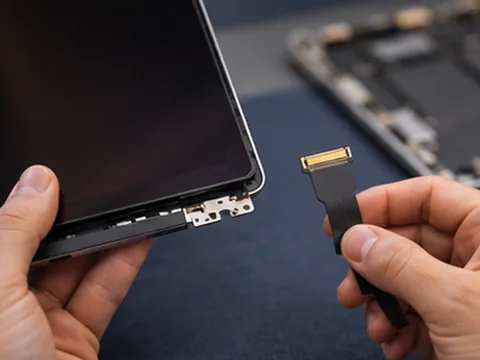
You can review the scope and cost and ask questions before deciding whether to proceed.

We start with the symptoms and recent changes to narrow down what needs checking.
We explain the findings in plain language so you know what options are available.
We discuss the proposed work and its cost with you before you decide to go ahead.
We discuss repair, upgrade or replacement options based on the condition of your equipment.
We work with laptops, desktops and consoles as well as servers and point-of-sale equipment.
You can review the scope of the proposed work and ask questions before approving it.
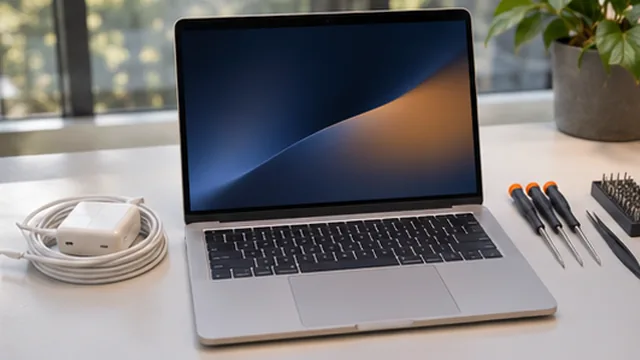 Questions
Yes. Share the model and describe whether the screen is cracked, flickering or completely blank. Replacement options depend on the assessment and available parts.
Tell us what happens on battery and with the charger connected. That helps us assess the battery and charging system.
Yes. Tell us when the spill happened and what the MacBook has done since then so we can plan the assessment.
If the device works normally enough to make a backup, let us know what you have backed up. If it does not start, tell us which files matter before work is discussed.