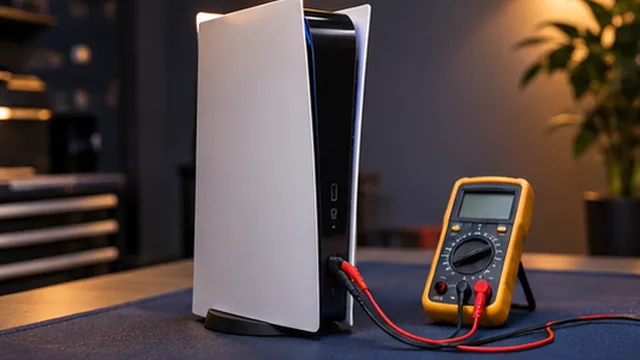
Console power and startup
We review power lights, startup behaviour and shutdowns on supported consoles.

Assessment for console power, display, connectivity and controller concerns.
Book a RepairDescribe the console model, the issue and when it occurs. Power, display, connectivity, temperature or controller symptoms may have different causes; an assessment helps determine which next steps are suitable.
Power, video output, connectivity and controller symptoms can have different causes. Include the circumstances in which the problem appears so the console and related equipment can be assessed appropriately.
These are some of the issues we assess. We discuss repair or upgrade options after reviewing the fault.
We review power lights, startup behaviour and shutdowns on supported consoles.
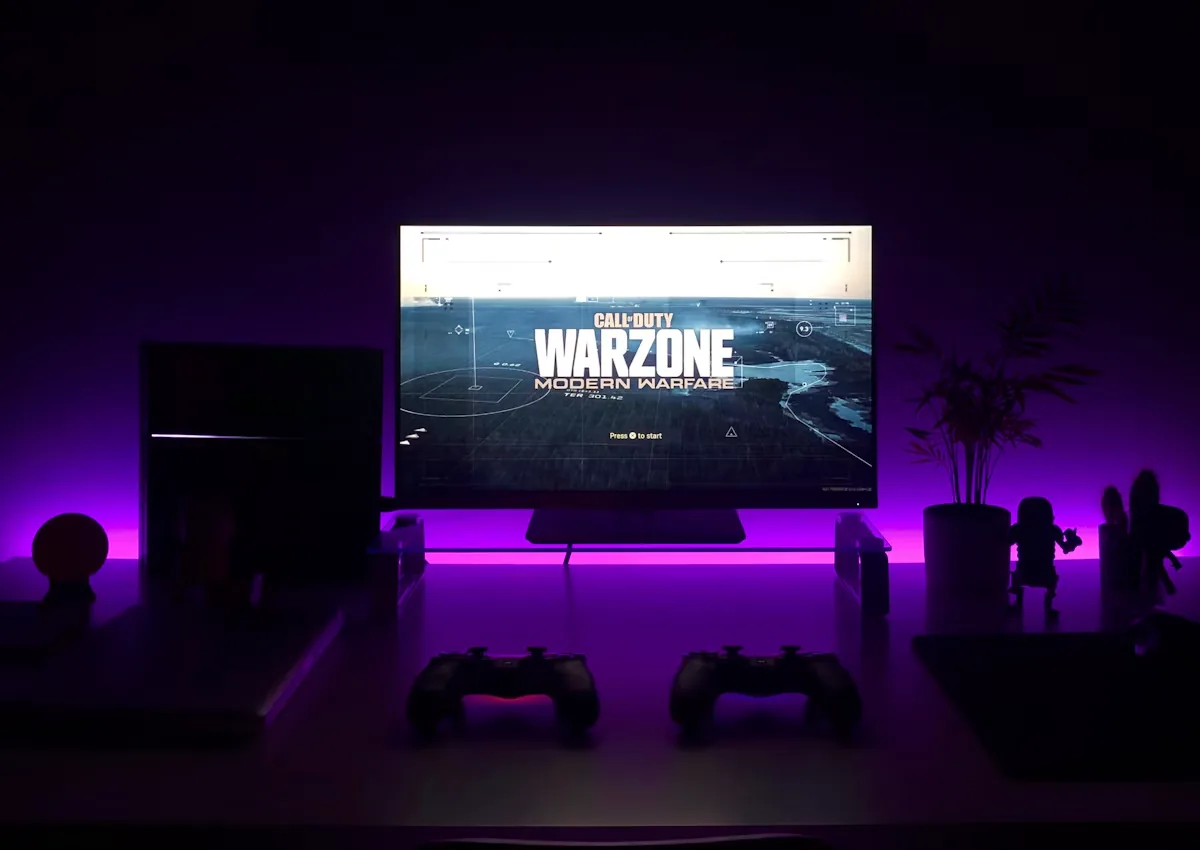
We check whether the picture problem appears with a specific display, cable or input.
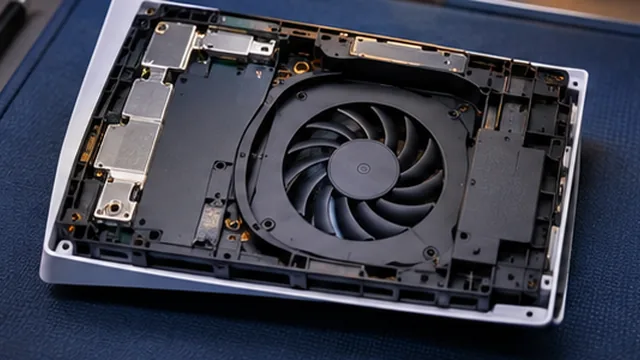
Tell us when the console becomes hot, loud or shuts down while playing.
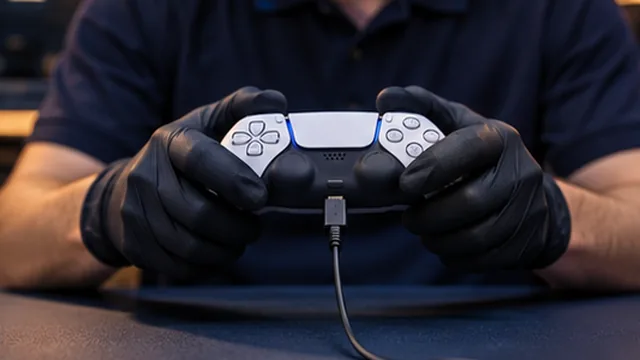
We assess controller pairing, ports and issues involving connected accessories.
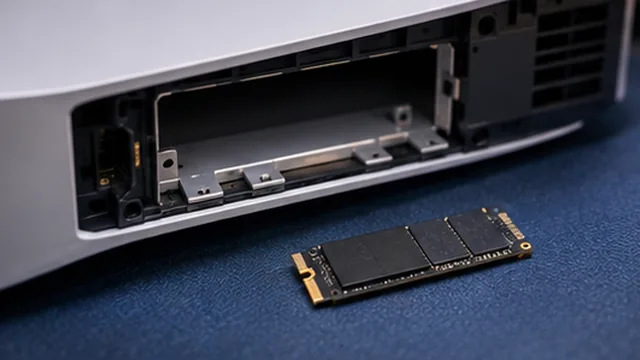
We review storage alerts, installation problems and the error messages the console displays.
We check the sequence of events around freezes, update problems or recurring on-screen errors.
We use the symptoms and equipment details to decide which checks are appropriate.
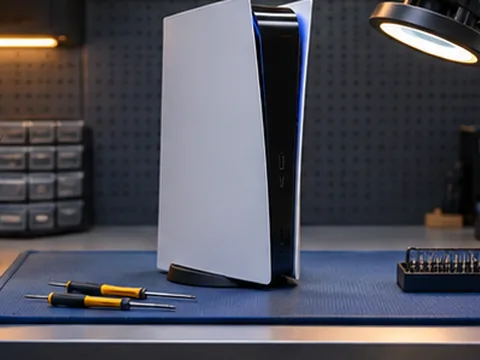
We explain the findings, proposed work and relevant parts or compatibility considerations.
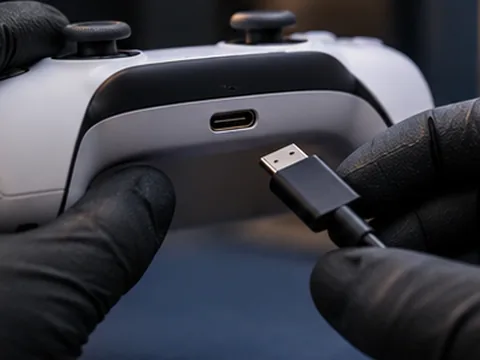
You can review the scope and cost and ask questions before deciding whether to proceed.
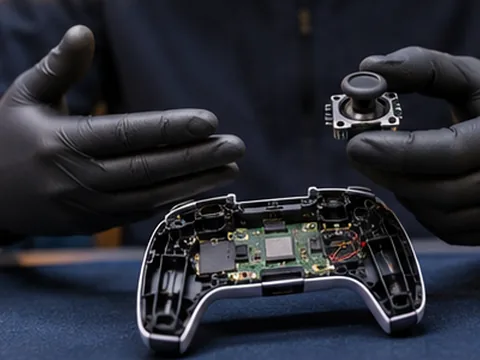
We start with the symptoms and recent changes to narrow down what needs checking.
We explain the findings in plain language so you know what options are available.
We discuss the proposed work and its cost with you before you decide to go ahead.
We discuss repair, upgrade or replacement options based on the condition of your equipment.
We work with laptops, desktops and consoles as well as servers and point-of-sale equipment.
You can review the scope of the proposed work and ask questions before approving it.
 Questions
Share the console model, display and cable you use, plus whether you hear startup audio or see a status light.
Yes. Tell us which games are affected, when it shuts down and whether you hear unusual fan noise.
Yes. It helps to know whether the issue occurs with one controller or several and whether a cable connection changes it.
Include the power supply, video cable or controller if it is involved in the problem, and share any error code you see.