Windows setup
We discuss setup and configuration options that fit the device and how you use it.

Support for Windows setup, updates, configuration and common software faults.
Book a RepairShare the Windows version if known, the software involved and any exact error message. We review recent changes and the symptoms you are seeing, then explain practical troubleshooting or configuration options.
Setup, update, application and configuration issues are easier to assess with the exact message and sequence of events. Share what changed and what the system now does.
These are some of the issues we assess. We discuss repair or upgrade options after reviewing the fault.
We discuss setup and configuration options that fit the device and how you use it.
We review failed updates, recurring prompts and the exact error code if one is available.
We assess Windows startup and sign-in behaviour, including what appears before the problem occurs.
We look at affected applications, the error text and any recent installations or setting changes.
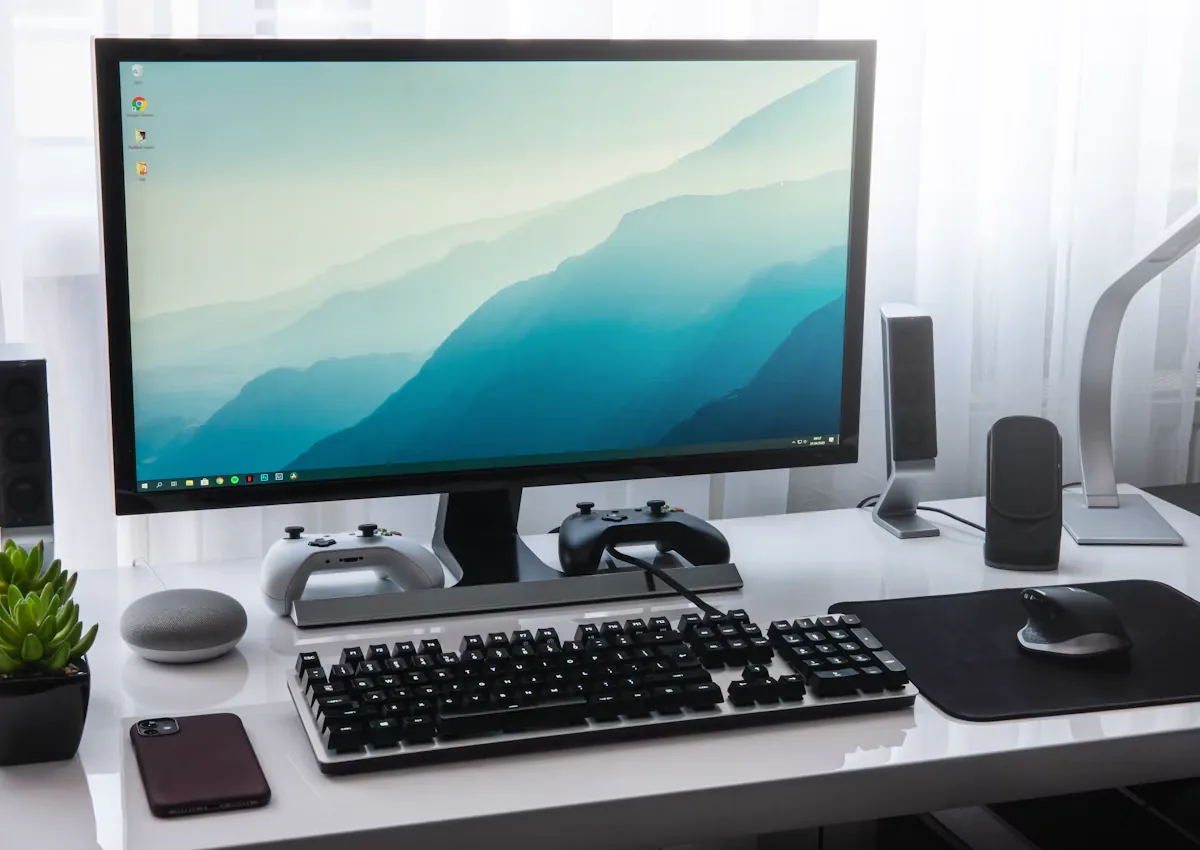
We assess driver-related symptoms and configuration for devices Windows is not recognising correctly.

We review when performance changed and whether particular applications or background tasks are involved.
We use the symptoms and equipment details to decide which checks are appropriate.
We explain the findings, proposed work and relevant parts or compatibility considerations.
You can review the scope and cost and ask questions before deciding whether to proceed.
We start with the symptoms and recent changes to narrow down what needs checking.
We explain the findings in plain language so you know what options are available.
We discuss the proposed work and its cost with you before you decide to go ahead.
We discuss repair, upgrade or replacement options based on the condition of your equipment.
We work with laptops, desktops and consoles as well as servers and point-of-sale equipment.
You can review the scope of the proposed work and ask questions before approving it.
 Questions
Yes. Share the Windows version, error code and whether the computer can still start normally.
Yes. Describe the last screen you see and any recent updates, software installations or hardware changes.
Share the application name and the exact error, along with when the crash occurs and what changed before it began.
Yes. Tell us which files and settings matter and whether you have a backup so we can discuss suitable options before making changes.