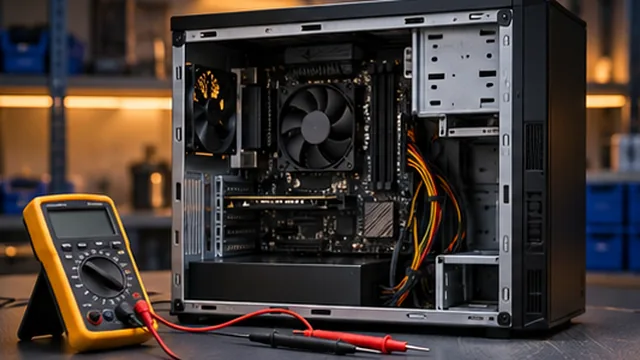
Desktop diagnostics
We trace startup issues, crashes and slowdowns using your symptoms and recent hardware or software changes.

Desktop PC assessment for component, power, cooling, storage and performance issues.
Book a RepairShare the desktop PC configuration if available, along with any warning messages, unusual sounds or shutdown patterns. Assessment can help narrow down possible power, cooling, storage, component or software issues before repair or upgrade options are discussed.
A desktop computer can show symptoms related to power, cooling, storage, components or software. The assessment starts with the reported behaviour and any recent hardware or configuration changes.
These are some of the issues we assess. We discuss repair or upgrade options after reviewing the fault.
We trace startup issues, crashes and slowdowns using your symptoms and recent hardware or software changes.
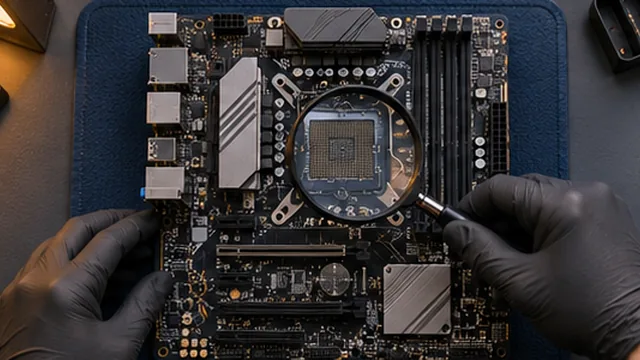
We assess board and component behaviour before discussing a repair or replacement.
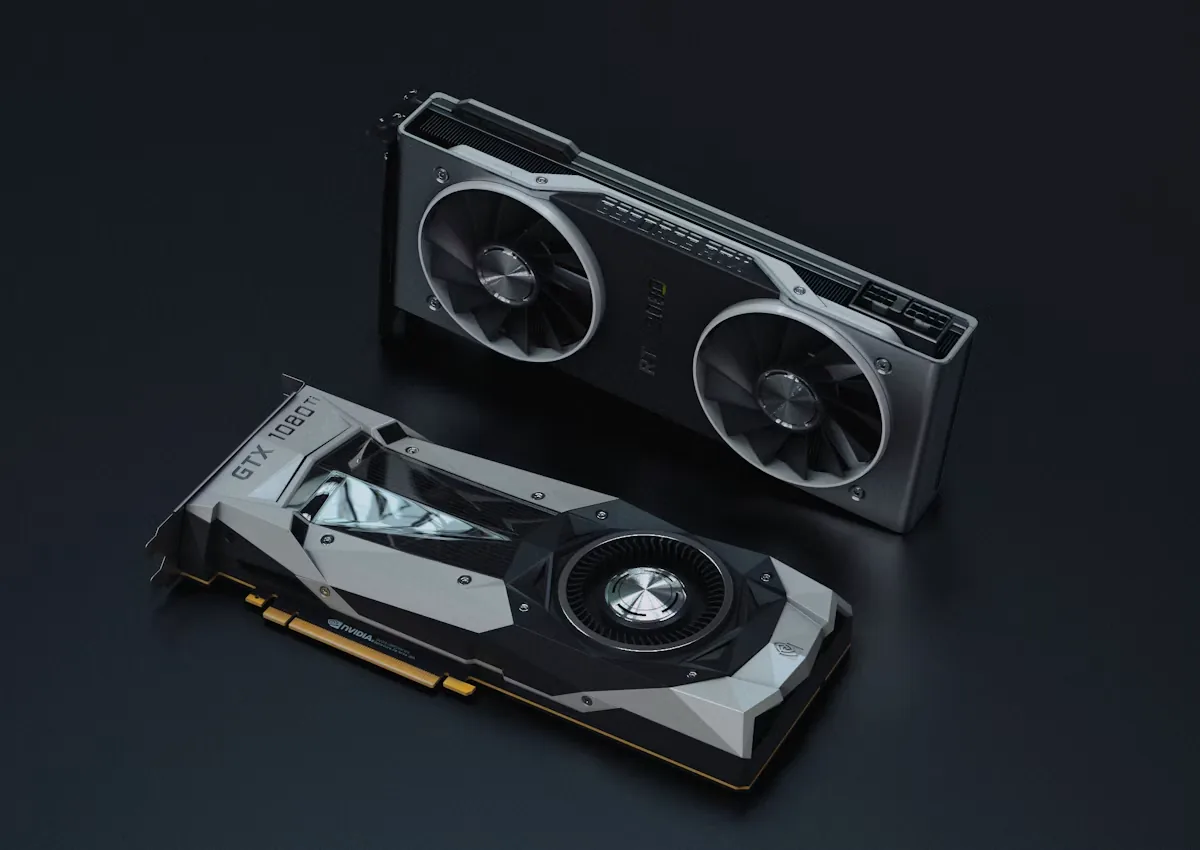
We review blank screens, graphics errors and faults that appear during demanding work or games.
We check memory compatibility and discuss upgrade options based on how you use the PC.
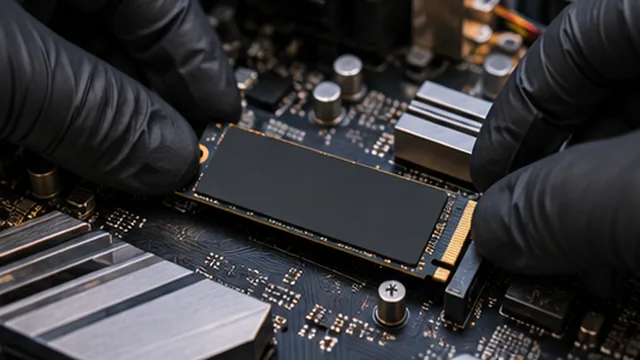
We check storage compatibility and discuss what to do with your existing files before a drive change.
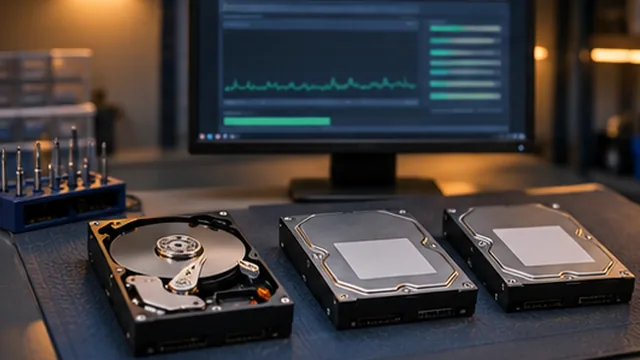
We assess drive recognition and startup messages to determine which checks are appropriate.
We investigate power loss, unexpected restarts and other symptoms that may involve power delivery.
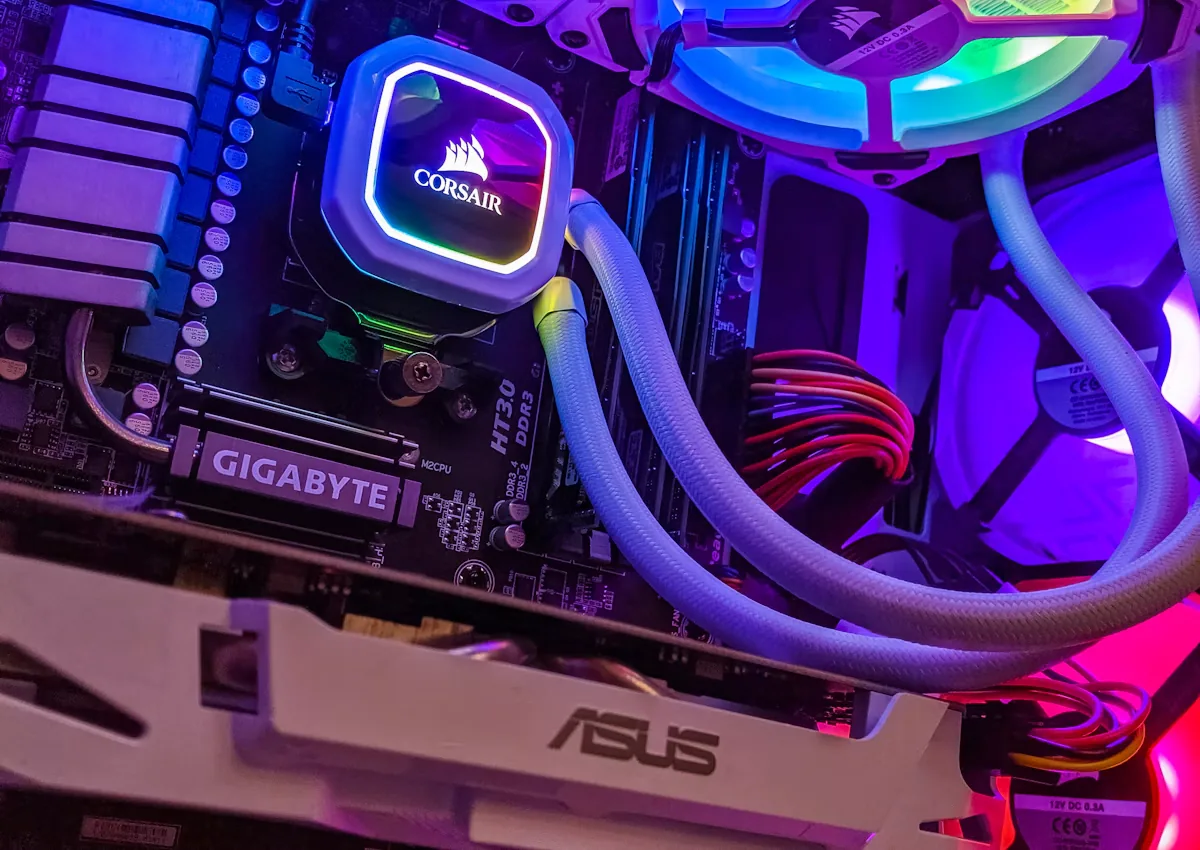
We review fan noise, temperatures and shutdowns that happen under load.
We use the symptoms and equipment details to decide which checks are appropriate.
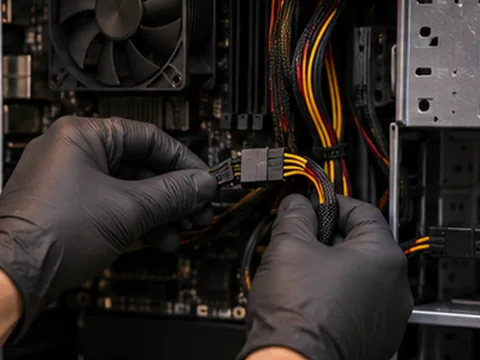
We explain the findings, proposed work and relevant parts or compatibility considerations.
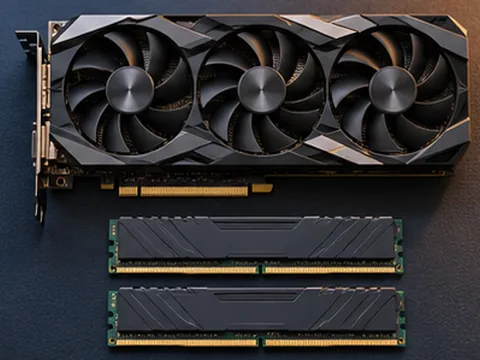
You can review the scope and cost and ask questions before deciding whether to proceed.
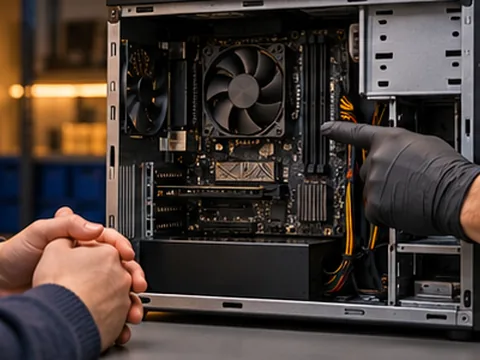
We start with the symptoms and recent changes to narrow down what needs checking.
We explain the findings in plain language so you know what options are available.
We discuss the proposed work and its cost with you before you decide to go ahead.
We discuss repair, upgrade or replacement options based on the condition of your equipment.
We work with laptops, desktops and consoles as well as servers and point-of-sale equipment.
You can review the scope of the proposed work and ask questions before approving it.
 Questions
The fault could involve the display, its connection or components inside the computer. Tell us what lights, fans or alerts you see when it starts.
Yes. Share the component list if you know it, especially if the problem appeared after an upgrade or while running a particular game.
We can assess compatibility and discuss which memory, storage or other changes are worthwhile for your PC and workload.
Let us know how long it runs before shutting down and whether you notice heat, fan noise or an error. That helps direct the assessment.