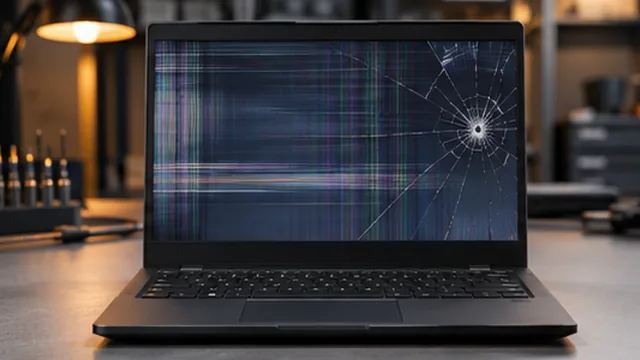
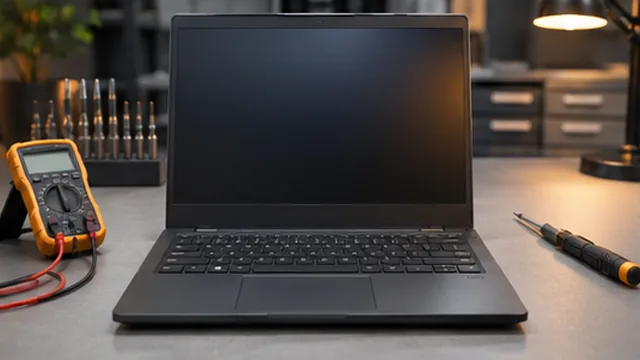
Laptop screen faults
We assess damaged displays, flickering, lines and screens that stay blank.

Laptop assessments for hardware faults, performance concerns, upgrades and software issues.
Book a RepairDescribe the laptop symptoms, when they began and any recent changes. We can assess concerns such as charging, display, keyboard, slow performance or unexpected shutdowns; recommendations depend on the diagnostic findings and device condition.
Laptop issues may involve power, display, input devices, performance or software. Describing the pattern and any recent changes helps distinguish the symptoms that need to be assessed.
These are some of the issues we assess. We discuss repair or upgrade options after reviewing the fault.
We assess damaged displays, flickering, lines and screens that stay blank.

We check whether the reported fault involves the battery, the charger or the charging connection.
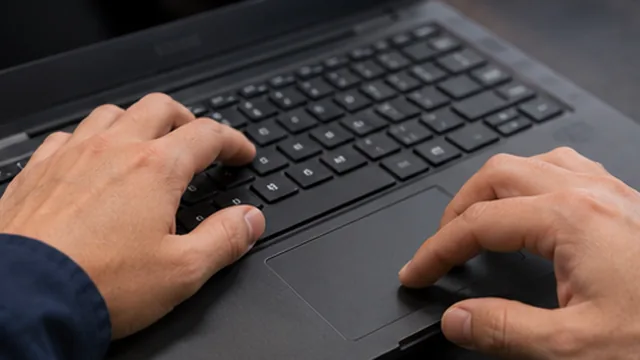
We assess unresponsive keys and touchpad issues, including symptoms after a spill or impact.
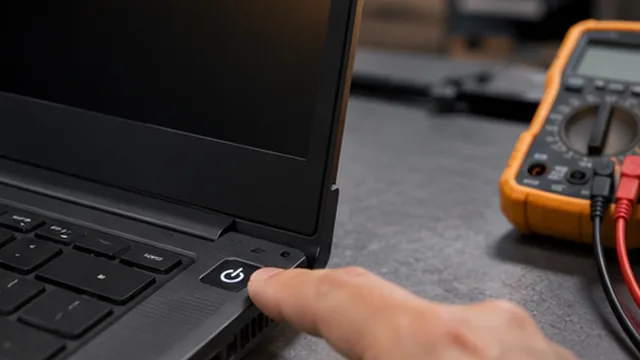
Tell us what happens when you press the power button and what changes when the charger is connected.
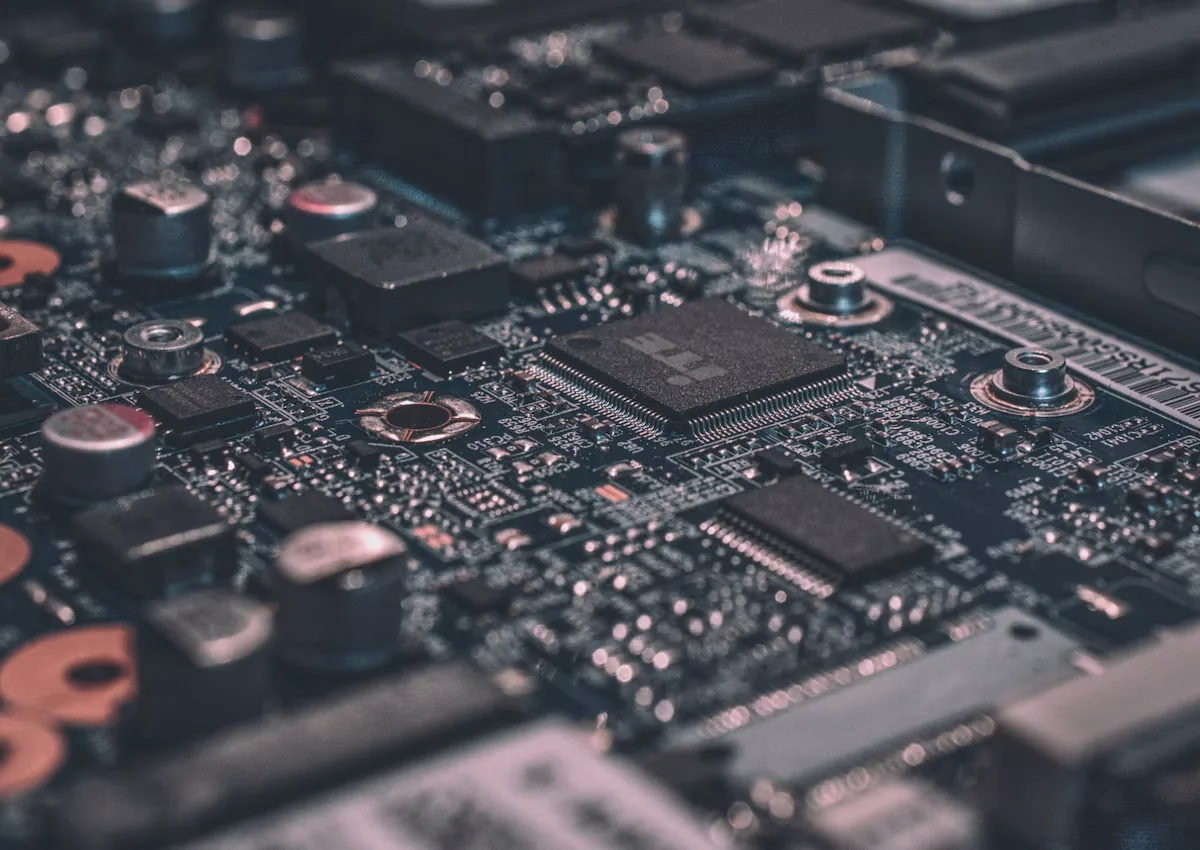
We review when heat, fan noise or shutdowns occur and check possible cooling problems.
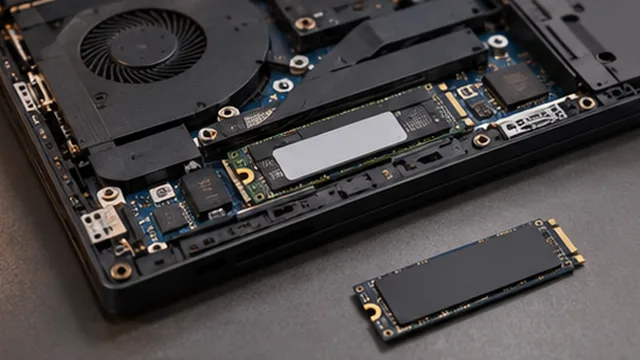
We assess slow startup, storage errors and upgrade compatibility for the laptop model.
We use the symptoms and equipment details to decide which checks are appropriate.
We explain the findings, proposed work and relevant parts or compatibility considerations.
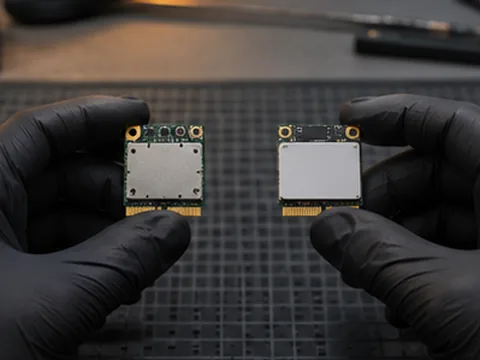
You can review the scope and cost and ask questions before deciding whether to proceed.
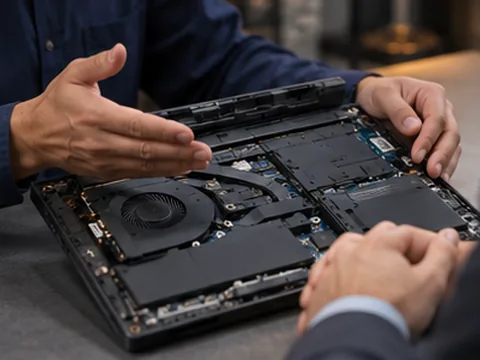
We start with the symptoms and recent changes to narrow down what needs checking.
We explain the findings in plain language so you know what options are available.
We discuss the proposed work and its cost with you before you decide to go ahead.
We discuss repair, upgrade or replacement options based on the condition of your equipment.
We work with laptops, desktops and consoles as well as servers and point-of-sale equipment.
You can review the scope of the proposed work and ask questions before approving it.
 Questions
Yes. Let us know whether there are any lights, sounds or changes when you connect the charger.
We can assess the fault and discuss replacement where it is appropriate. Options depend on your laptop model and available parts.
That depends on the model and what is already installed. We can check compatibility and discuss what improvement to expect.
If you have the charger you normally use, include it when you bring the laptop so the reported problem can be assessed in context.